
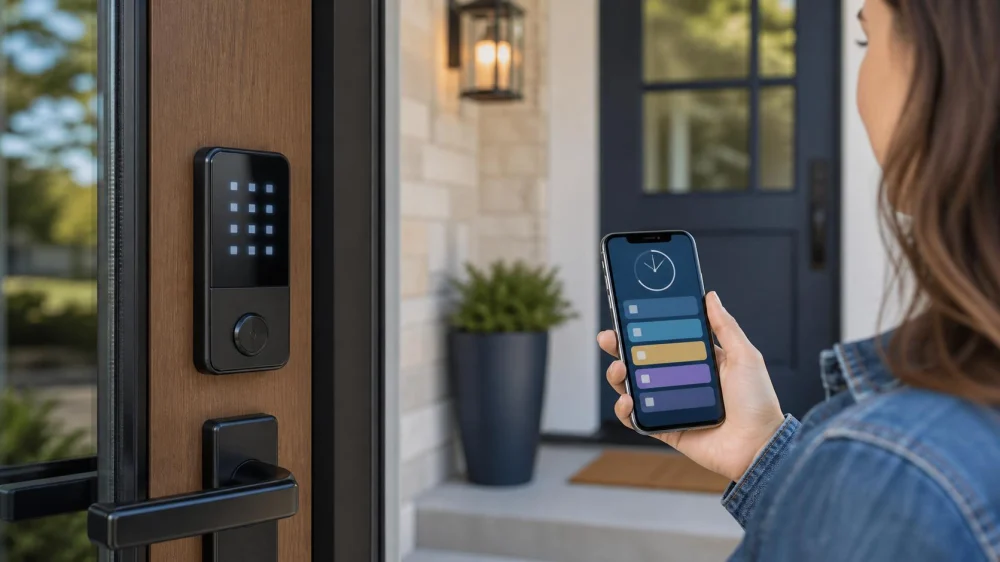
Smart Lock Guest Codes: Limit, Expire, and Review Access
On this page
- Quick answer
- Separate admin, household, and guest roles
- Create one code per person or purpose
- Use narrow schedules and expiration
- Protect the admin account and device
- Review logs with privacy in mind
- Revoke access and verify the lock
- Keep safe backup and emergency access
- Guest-code checklist
- Frequently asked questions
- Sources and evidence notes
- Conclusion and next steps
Quick answer
Give each guest, cleaner, caregiver, contractor, or short-term visitor a separate code when the lock supports it. Limit that code to the required dates and hours, never share the administrator credential, and set an owner to remove access promptly. Test both activation and expiration while an authorized person remains inside.
Protect the lock’s app account with a long, unique password and multifactor authentication when available, install official firmware and app updates, change default settings, and secure the home network. Keep a private access inventory instead of writing codes on the door, in a public calendar, or in an unprotected group message.
Separate admin, household, and guest roles
The administrator account can change settings, add users, review events, and sometimes unlock remotely. Reserve it for the smallest practical number of trusted owners. Household members who need continuing entry should have their own named user or code rather than sharing the admin login.
Temporary access belongs in a guest or scheduled role. A delivery code, vacation-rental code, home-care code, and contractor code have different owners and end dates. Do not reuse one “service” code across unrelated people, because reuse prevents clean revocation and makes event records ambiguous.
Create one code per person or purpose
Follow the manufacturer’s permitted code length and avoid easy patterns, address numbers, birthdays, phone endings, repeated digits, or codes used for an alarm, bank card, phone, or another lock. Let the lock or password manager generate a random value when supported.
Name the access record by person or purpose without exposing sensitive details on a shared display. Record who approved it, start and end time, doors covered, and who will revoke it. Transmit the code through an agreed private channel and ask the recipient not to forward it.
Use narrow schedules and expiration
Set the smallest window that supports the visit, with a modest arrival and departure buffer. One-time codes suit a single handoff; recurring windows can suit a weekly service; a fixed date range can suit travel coverage. Avoid permanent access when the need is temporary.
Confirm the lock’s time zone, daylight-saving behavior, offline operation, hub connection, and what happens when the internet or power fails. Some schedules are stored on the lock and others depend on cloud service. The manufacturer’s current documentation determines behavior.
Protect the admin account and device
CISA recommends long, random, unique passwords and multifactor authentication for accounts, along with current software and firmware. Change default passwords and privacy settings. Download apps and updates only from the lock maker or official app store, and check security notices before enabling remote access.
Secure the email account used for recovery, because it may control password resets. Remove old phones and app sessions, use a device screen lock, and review connected hubs and voice assistants. Do not expose the lock directly to an untrusted network or bypass encryption and authentication features.
Review logs with privacy in mind
Event history can confirm whether a code was accepted, rejected, or used, but it may also reveal a person’s routine. Limit log access, retention, and sharing to a legitimate safety or management purpose. Tell household members, workers, tenants, or guests what access events are recorded as law and policy require.
Do not assume a log proves who physically entered; a code can be shared and a door can be held open. Pair unexpected activity with a calm verification process. Preserve relevant records if there is suspected unauthorized entry, and contact law enforcement rather than confronting a person when safety is at risk.
Revoke access and verify the lock
Remove or disable a guest code as soon as the authorized period ends, the relationship changes, a phone is lost, or sharing is suspected. Revoking a user account may not remove a separate keypad code, mobile key, card, fingerprint, hub permission, or voice-assistant link, so check every access type.
After revocation, synchronize the lock and confirm from the event or user list that removal reached the device. Test the retired credential from outside only when an authorized person remains inside with a working backup. Document completion without storing the old code in plain text.
Keep safe backup and emergency access
Maintain the manufacturer-approved battery plan and low-battery alerts, but keep emergency egress independent of an app. Everyone inside should know how to exit without special knowledge. Never add a smart lock or interior device that conflicts with fire-door, rental, accessibility, or local egress requirements.
Store a mechanical backup key or approved emergency power method securely and separately from the daily phone. Do not hide a labeled key beside the door. Include lock support, property contact, and emergency services in the access plan for a vulnerable person or critical home-care visit.
Guest-code checklist
- Keep administrator access limited.
- Create one guest credential per person or purpose.
- Use a random code not reused elsewhere.
- Set the narrowest useful dates and hours.
- Confirm time zone, offline behavior, and door scope.
- Protect app and recovery email with unique passwords and MFA.
- Install official firmware and app updates.
- Limit event-log access and respect privacy.
- Revoke every credential type when access ends.
- Test backup entry and emergency egress safely.
Frequently asked questions
Can every visitor use the same code?
A separate code provides cleaner expiration, revocation, and event records.
Should a guest receive the admin password?
No. Use the least-privileged guest function supported by the lock.
How long should a code stay active?
Only for the needed visit or recurring service window, with a small practical buffer.
Does deleting the app user remove the keypad code?
Not always. Review every mobile, keypad, card, biometric, hub, and voice access path.
Are access logs proof of identity?
No. They show credential events, but codes can be shared and doors can be held open.
What if the internet fails?
Behavior varies. Test and document the manufacturer’s offline and emergency procedures before relying on them.
Sources and evidence notes
The U.S. Cybersecurity and Infrastructure Security Agency’s strong-password guidance supports long, random, unique account credentials and password managers. CISA’s multifactor authentication guidance explains why passwords alone are insufficient for remote and privileged access.
Smart-lock schedules, audit logs, offline behavior, firmware, credential types, and emergency methods are product-specific. Follow the installed lock’s current official manual, safety notices, local code, lease, and property policy.
Conclusion and next steps
Treat every smart-lock guest code as a small access contract: one person or purpose, limited time, least privilege, private delivery, and a named revocation owner. Secure the admin account, update the device, review records responsibly, and verify that expired access is truly gone without compromising emergency egress.

 Trusty Emergency Locksmith4.0 (184 reviews)
 KeyMe Locksmiths4.0 (18 reviews)
 KeyMe Locksmiths4.0 (97 reviews)
 Minute Key0.0 (0 reviews)
 Minute Key3.0 (8 reviews)
 KeyMe Locksmiths0.0 (0 reviews)
 Tips for Choosing a Locksmith Who Offers Transparent Pricing - Expert Advice
 Car Lockout Service Near Me: Factors Affecting Pricing | Locksmith Finder
 24 Hour Locksmith Near Me in Scottsdale AZ for Fast Lockouts
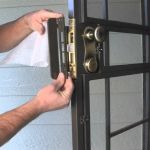 How to Upgrade Your Front Door With High-Security Locks
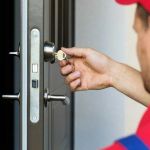 How to Protect Your Home from Lock Fraud: Locksmith Tips
 Can a Locksmith Replace Transponder Keys Near Me Without Original?