
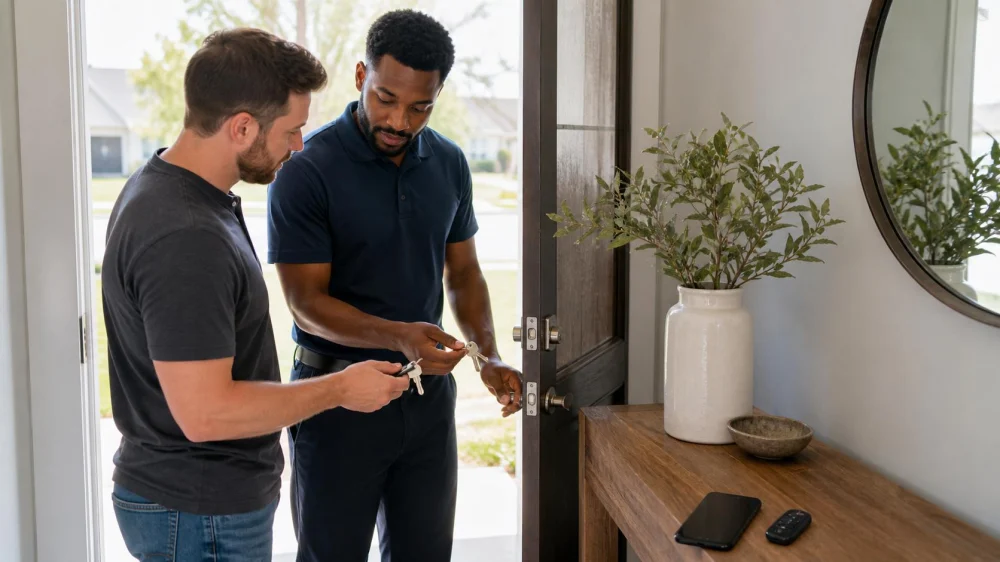
New Home Lock Handoff: Rekey, Inventory, and Test Access
On this page
Quick answer
After legal possession begins, inventory every authorized exterior entry, key, remote, code, lockbox, garage control, and smart-lock account. Ask a verified locksmith which compatible cylinders can be rekeyed and which hardware needs repair or replacement. Change digital credentials through documented owner procedures, test each door from both sides without defeating egress, label keys discreetly, and keep an authorized backup-entry plan.
Why receiving keys is not the same as controlling access
Past owners, tenants, contractors, cleaners, neighbours, agents, and service providers may have held a key or code, and not every copy returns at closing. A door may also latch poorly, a deadbolt may bind, or a garage and smart-lock account may remain linked to old credentials. A systematic handoff addresses mechanical, digital, legal, and emergency access together.
This guide is for United States buyers or other authorized occupants taking possession of a residence. It is not permission to alter rented, shared, managed, historic, fire-rated, accessible, or association-controlled doors. Local codes, leases, insurance terms, warranties, and property rights determine what may be changed.

Practical checklist
- Proof of ownership or authorized occupancy, possession date, seller or landlord handoff, association rules, lease terms, warranties, and insurer requirements.
- Front, side, rear, patio, basement, garage, gate, outbuilding, common-area, mailbox, storage, and emergency-access openings within your authority.
- Keys, duplicate counts, master or restricted systems, remotes, keypads, lockboxes, access cards, mobile apps, hubs, bridges, and cloud accounts.
- Lock brand and type only as needed for parts, cylinder compatibility, keyway, door thickness, backset, handing, strike, frame, and fire-rating labels.
- Loose hardware, corrosion, damage, misalignment, latch engagement, deadbolt throw, weather seal pressure, door closer, hinges, and indoor egress operation.
- Rekey, replacement, repair, keyed-alike options, restricted duplication, smart-lock transfer, battery plan, audit history, and offline behavior.
- Authorized users, emergency contacts, spare-key custody, code expiry, child and caregiver access, documentation, invoices, and future review dates.
Step-by-step plan
- Confirm legal possession and written authority for every opening before changing hardware, credentials, mailbox access, common doors, or managed systems.
- Walk the property in daylight and inventory each authorized opening and every key, remote, code, card, lockbox, app, and account received.
- Test doors with another authorized adult present, noting whether they close, latch, lock, unlock, and allow required interior egress without forcing hardware.
- Ask a verified locksmith to inspect compatibility and condition, then compare rekeying, repair, or replacement by security goal, code, warranty, and total cost.
- Transfer or reset digital locks, garage systems, hubs, recovery contacts, and codes using current manufacturer owner procedures; remove former users when authorized.
- Test the completed work from both sides while maintaining safe egress, confirm all issued keys and credentials, and avoid hiding a spare in an obvious location.
- Save the invoice, hardware and key identifiers, warranty, authorized-user list, spare custody, battery schedule, and a process for future access changes.
Maintain a private access inventory listing each opening, lock or controller, work performed, locksmith, invoice, key or credential count, authorized holders, code changes, app ownership, battery dates, warranties, test results, spare custody, and unresolved door or frame work. Do not write the street address on loose keys.
Limits and important notes
Do not change locks before possession or without authority, defeat required egress, copy restricted keys improperly, remove fire labels, drill unknown hardware, publish codes, or rely on a smart lock without understanding power and connectivity loss. Rekeying changes key access but does not repair a weak door, frame, strike, hinge, or misalignment.
Contact the property manager, association, closing professional, or attorney for disputed authority, shared systems, missing possession, or lease conflicts. Use a licensed or otherwise locally qualified locksmith for hardware and key control. Contact emergency services for immediate danger, and use the manufacturer or security provider for compromised digital accounts.
Frequently asked questions
Should every lock be replaced after moving in?
Not always. Serviceable compatible cylinders may be rekeyed, while damaged, obsolete, mismatched, or unsuitable hardware may warrant repair or replacement.
Does rekeying remove old smart-lock users?
No. Mechanical keys and digital credentials are separate; transfer the owner account and remove old codes, users, integrations, and recovery access.
Can all exterior doors use one key?
Possibly, if keyways and cylinders are compatible and the access plan supports it. Ask the locksmith about security and lost-key consequences.
What about garage remotes?
Inventory and reprogram authorized remotes and keypads using current manufacturer procedures, then test safety features and manual emergency operation.
Where should a spare key be kept?
Use a controlled arrangement with an authorized trusted holder or appropriately managed secure device, not an obvious hiding place near the door.
Sources and evidence
Use closing or lease documents, current local building and fire requirements, association or property policies, hardware and garage-system manufacturer instructions, insurer requirements, and advice from a locally qualified locksmith. Those sources override a generic handoff checklist.
Conclusion and next steps
Confirm authority, inventory every exterior access method, test the doors, and obtain a written locksmith plan for rekeying, repair, or replacement. Transfer digital ownership and reset credentials, retest mechanical and emergency operation, then document key custody, authorized users, warranties, batteries, and backup access privately.
 KeyMe Locksmiths4.0 (24 reviews)
 KeyMe Locksmiths4.0 (83 reviews)
 KeyMe Locksmiths4.0 (30 reviews)
 Minute Key3.0 (10 reviews)
 Minute Key4.0 (7 reviews)
 Minute Key0.0 (0 reviews)
 The Benefits of Installing a Smart Lock with Mobile Access
 How to Protect Your Home From Burglars With Layered Security
 Locksmith Tips for Preventing Unauthorized Access to Your Business
 Deadbolt Works Open but Binds When the Door Is Closed
 Key Copy Not Working? Safe Checks Before Cutting Another
 How to Choose Between Smart Locks and Traditional Locks